

Edit
A new version of the cut.
I implemented your suggestions and changes:
- I added the bridge crossing clip
- took out most of the stutter cutting, but let a few of the less in-your-face sections in
- changed up and added a bunch of clips with left-to-right motion
- cut out about 10 seconds of music (in the repeating/post-crescendo/second half of the song) - the song is now 52 seconds instead of 62. If you can’t hear where the cut is made, then we don’t have any issues.
- close-ups -> we don’t that have many closeups without helmets. I added a few clips of the girls not wearing helmets, but they are more like medium / medium-wide shots.
- what we could do is to punch-in on the 1080p clips a bit, since we’re editing in 720p. But in the 1080p clips we have - MVI_7626 to MVI_7671.MOV - there aren’t many shots of them

Colour Grade
Version 2.
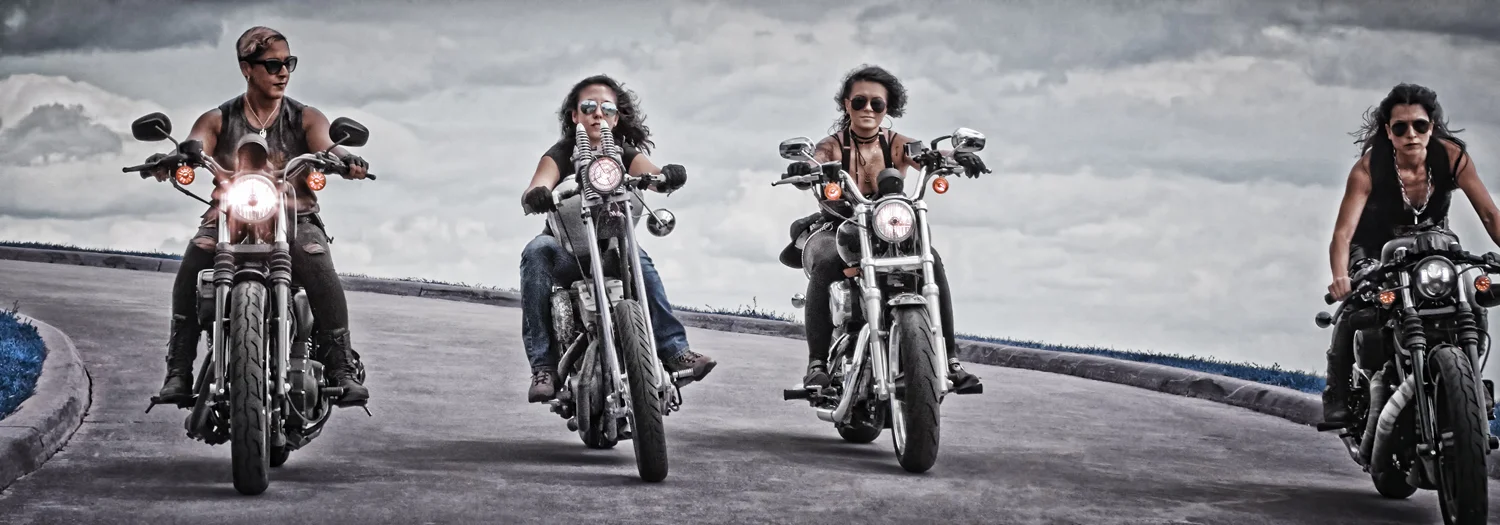
I made it more along the lines of the image you provided. Let me know about the amount of green you see and if that’s the right amount.
Do you like the contrast? Or make it more contrasty?
(using this colour balance as a guideline):
Film Grain
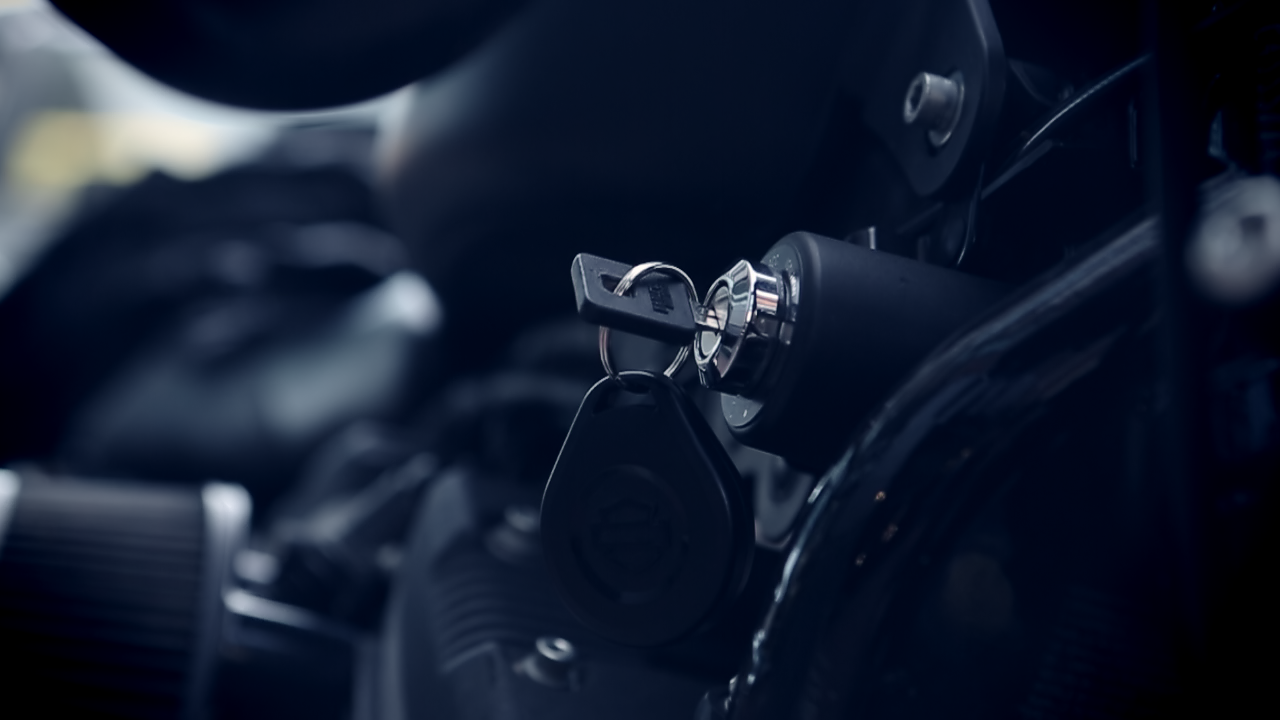
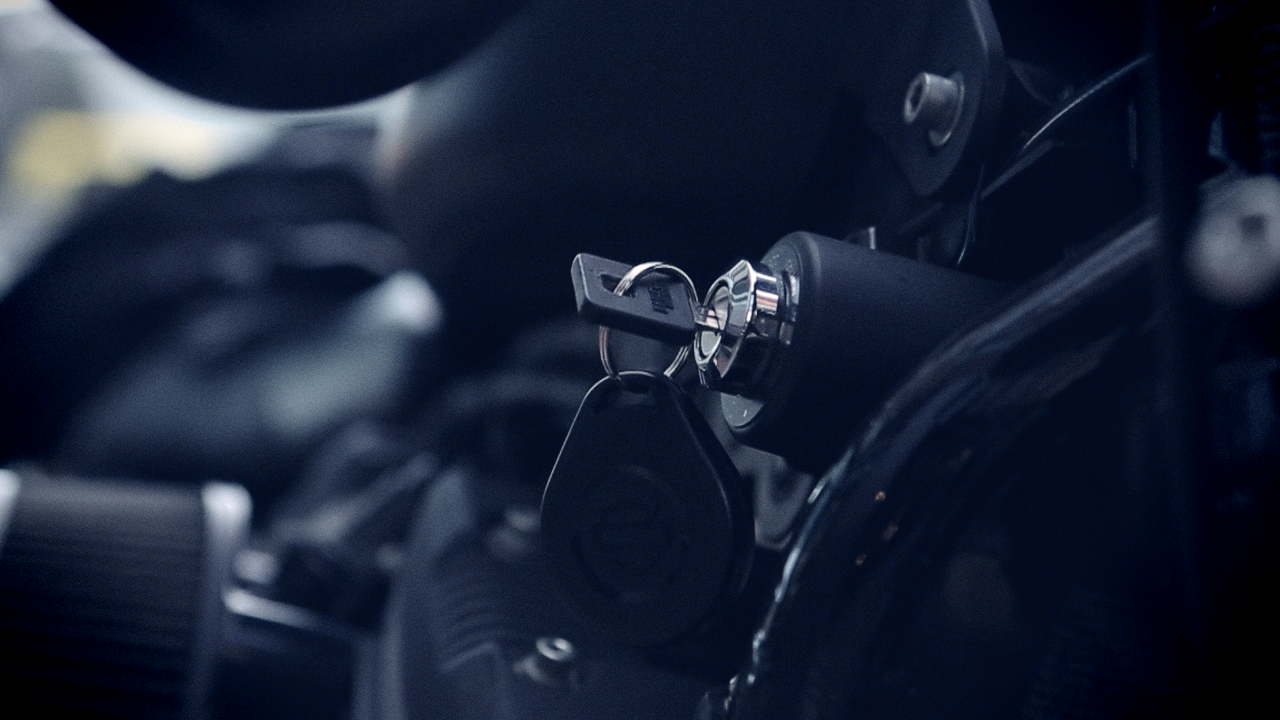
I’m running noise reduction on the footage and then adding film grain in the last step of colour grading process. This is all to take out the RGB noise and mask it with film grain.
- This makes the footage look a bit less digital and a bit more like film - the export is more grainy, but that’s a) on purpose b) can be controlled.
- If you like film grain, I can leave it in. I can even add more grain or use a stock with bigger grain. Or I can take most of the grain out, but then I won’t run the noise-reduction as aggressively and leave some of the RGB noise in.
- here’s a list of the film grain stock available: http://filmconvert.com/features/film-stocks
- I can let all or some of the colour from the film stock seep onto the footage OR just use the grain texture and not allow the colour to affect the rendered-out final product, so don’t worry if the film grain in the film stock doesn’t match the colours we have
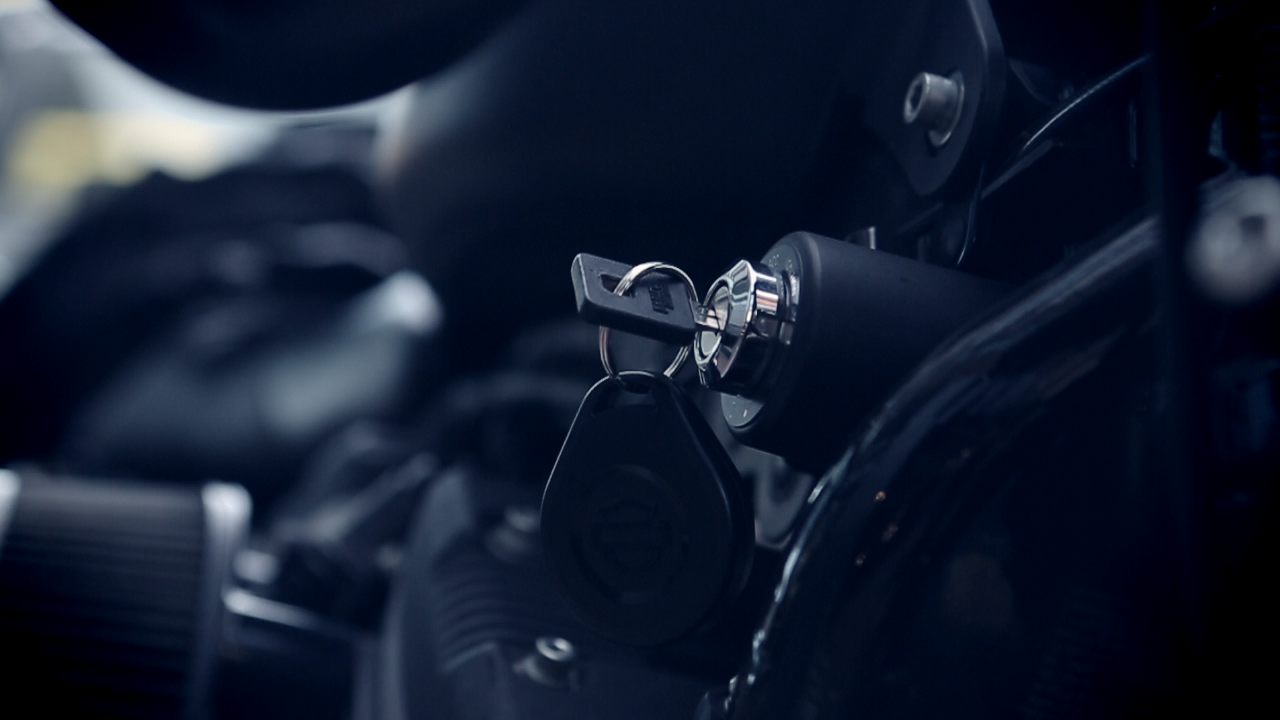
No Noise Reduction, no film grain:
Noise Reduction, no film grain:
Noise Reduction + FuJi 8553 ET stock grain:
OLD
Music
There are 6 different songs. It would be fair to say that 4 of them are similar to each other and the last 2 are a bit of a different take. Let me know your thoughts.
Key points: the video edit is the same across all 6 tracks. That's on purpose - we're just trying to determine which one to go with.
The tracks in the clips are the 15-18 second versions from the creators themselves. The audio tracks below each video clip are the 60 second versions of those same tracks. They don't sound identical, so if you like/dislike the shorter clip you may have a different opinion re the longer clip. Just keep that in mind. The longer 60 second version is the one for the main trailer, while the shorter 15 second tracks are good for social.
We could mix-n-match the longer tracks and shorter tracks -> it just requires purchasing the licence for both compositions, that's all. That means instead of spending US$70 for long+short tracks of the same composition, you'd be spending ~US$110 to mix-n-match the compositions.
Song 1
Song 2
Song 3
Song 4
Song 5
This one has lyrics, which may or may not be a good thing.
Song 6
And now for something completely different - just for the sake of comparison.
Colour grading
Now, colour.
Just wanted your opinion on the colour grading and if you want to adjust it in any way. Perhaps it's too warm or not warm enough or too saturated, or has too many red/greens/blues.
There's no audio in the clip on purpose. There's a bit of a frame-glitch in one of the clips - that's strictly an issue with the colour grading software. The underlying original clips are fine.